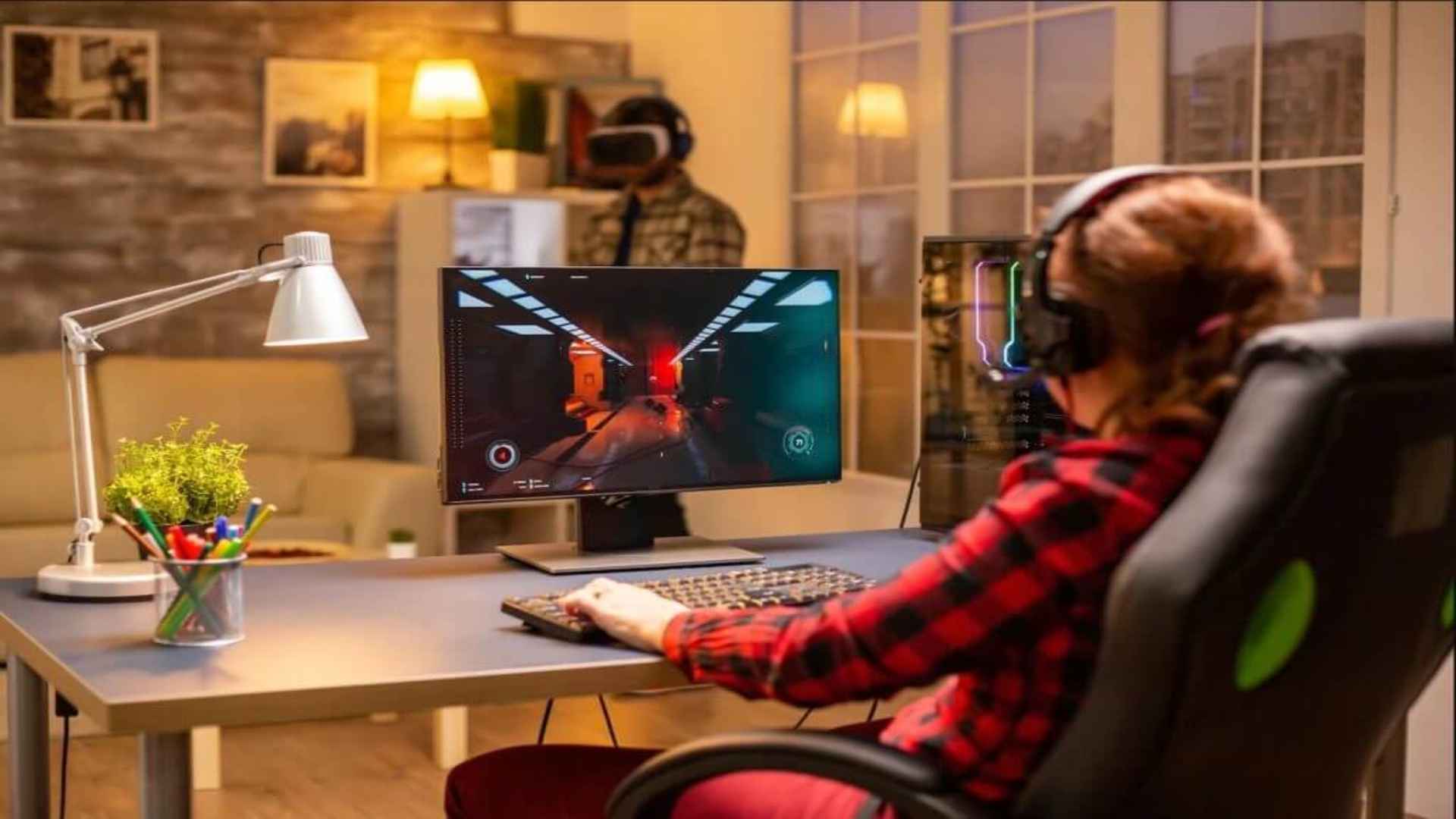
Achieving a seamless gaming experience relies heavily on maintaining a stable frame time rather than just chasing the highest possible frames per second. When your graphics card pumps out more frames than your monitor can display, it often leads to distracting screen tearing and system stutter. Appropriately configuring your software limits will optimize hardware efficiency and significantly stabilize performance during intensive action sequences.
The Benefits of Limiting Your Frame Rate
Capping your performance ceiling ensures that your graphics hardware operates within its optimal thermal and power limits. This practice prevents aggressive temperature spikes and dramatically reduces the loud fan noise generated during extended gaming sessions. Furthermore, establishing a consistent rendering pace eliminates erratic performance drops that disrupt physical visual fluidity.
Another major advantage is the noticeable reduction in frame pacing variance, which heavily dictates how smooth a game feels to your eyes. When frames are delivered at identical intervals, gameplay instantly feels more responsive and predictable. Additionally, keeping your system below absolute maximum utilization leaves valuable processing headroom for background software operations.
Configuring the Nvidia Control Panel
To implement a global restriction, right-click your desktop and open the traditional Nvidia Control Panel interface. Navigate directly to the Manage 3D Settings tab located under the extensive 3D Settings hierarchy. Scroll down the settings list until you locate the Max Frame Rate option, which is disabled by default.
Toggle this specific feature to enabled and manually input your preferred numerical maximum constraint value. It is generally recommended to set this limit slightly below your display monitor default refresh rate capability. Apply the modifications at the bottom of the window to ensure your graphics hardware immediately enforces these new boundaries.
Optimizing for Variable Refresh Rate Displays
Gamers utilizing modern G-Sync or FreeSync monitors will experience the greatest benefits from setting up a structural performance ceiling. For these variable refresh rate technologies to function correctly without adding input lag, the output must remain within the display hardware range. Setting a boundary roughly three frames below your maximum refresh rate keeps the synchronization active continuously.
Exceeding the native refresh ceiling forces the display adapter to default back to traditional vertical sync rules, which introduces artificial controller delay. By remaining safely inside the active variable refresh zone, you guarantee tear-free visual output alongside minimal latency. This balanced approach provides a highly competitive edge in fast-paced multiplayer titles.
Alternative Methods via Modern Software Apps
For users who prefer updated software interfaces, the recently introduced Nvidia App beta provides a streamlined alternative for tweaking hardware configurations. This software consolidates classic control panel options and game optimization features into a unified dashboard layout. Users can easily adjust individual software profiles or enforce system-wide limitations without traversing complex legacy menus.
Alternatively, third-party utilities like RivaTuner Statistics Server remain incredibly popular due to their exceptionally precise frame pacing algorithms. Whichever software path you select, enforcing a solid performance boundary remains the most effective strategy for enhancing overall system stability. Regular updates to your display drivers will guarantee these software limitations continue executing perfectly across all newly released gaming titles.